Game · Unity
A Real Man's Game
Why a Boxing Game
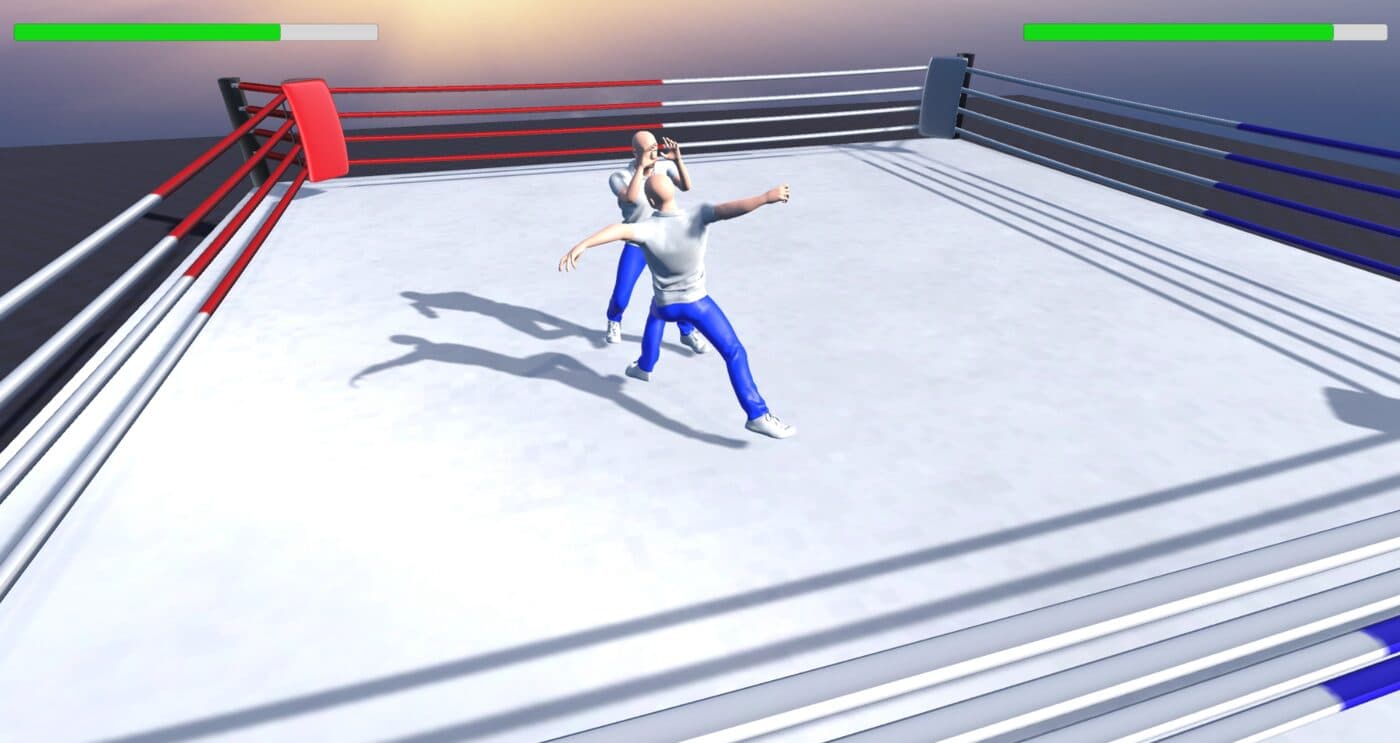
This was the first game I ever tried to make. I used to play Hajime no Ippo on PSP, a boxing game, and I found its animations pretty funny, so I wanted my first project to be a fighting game with that same mix of fun and slapstick rather than something serious.
Before writing a single line of code I researched engines and languages for a while and landed on Unity, mostly for its beginner-friendly guides and the sheer amount of community asset packs available. For a first game, being able to lean on other people's tutorials and assets mattered more than picking the theoretically best engine.
The Active Ragdoll That Wasn't
My original plan was an active ragdoll, something in the spirit of Half Sword, where the entire fight is driven by physics instead of canned animations. I watched a lot of tutorials on it. In practice it was brutal: configuring every joint, tuning collision bodies, aligning body parts, setting weights, wiring up rigidbodies, all of it kept fighting me, and a small change in one joint would break three others. The active ragdoll assets that existed on the Unity Asset Store to shortcut this were paywalled.
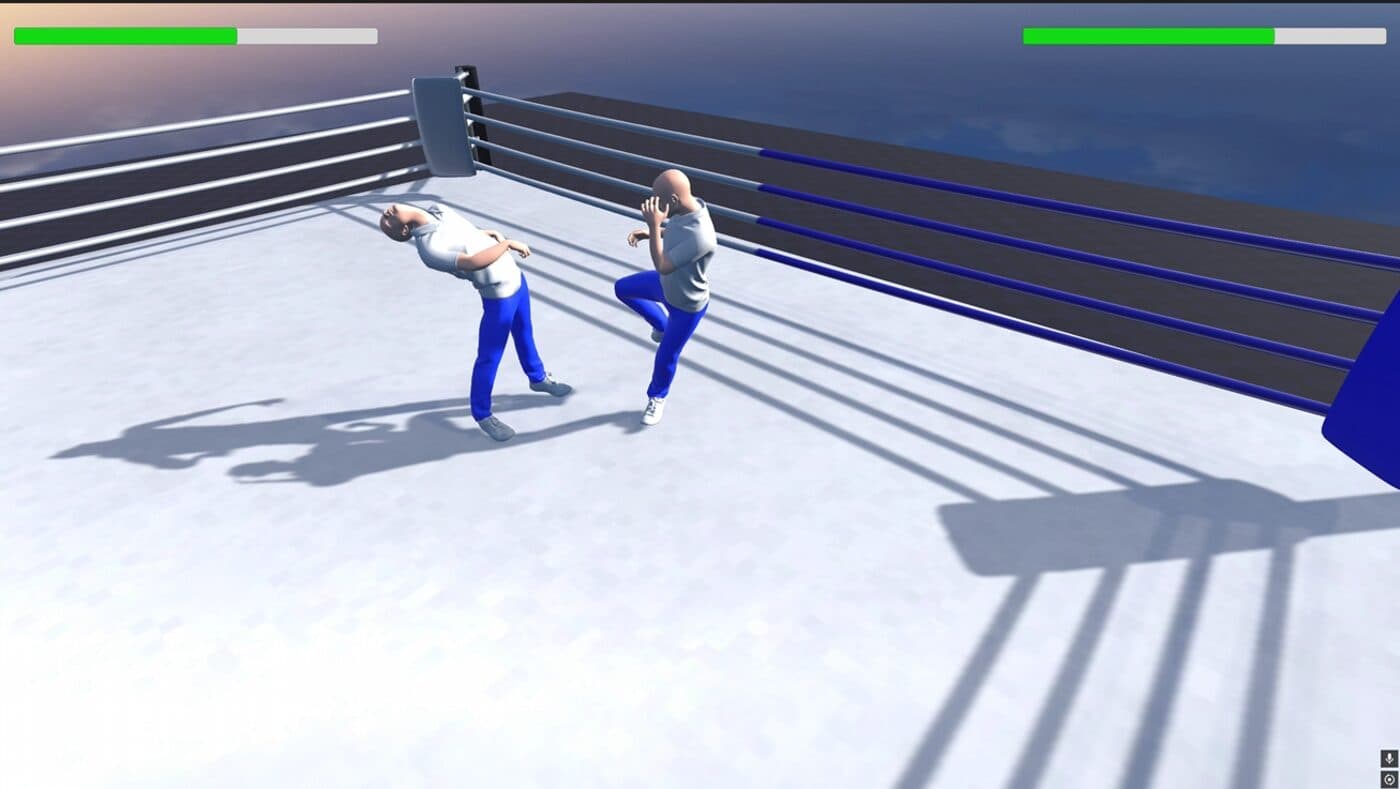
So I pivoted, not away from ragdoll physics entirely, but away from using it for the whole fight. Movement and attacks stayed fully animated. Physics only takes over for hit reactions and death, which still gets the funny, out-of-control ragdoll effect I originally wanted, just scoped to the moment it actually matters.
Blending Animation Into Physics
The hit-reaction system flips every rigidbody on the skeleton from kinematic to dynamic the instant a punch lands, applies an impulse force to the hips in the direction of the hit, and lets physics ragdoll the body for a short window. After that window, instead of snapping back to the animator, it captures each bone's current physics position and rotation, hands control back to the animator, and Lerps and Slerps every bone from its ragdoll pose back to the animation pose over half a second. Snapping straight back looked worse than the ragdoll itself, so that blend is what actually sells the effect.
If the hit brings health to zero, that blend-back never happens. The body stays in physics-driven ragdoll permanently, which is the death animation: not an animation at all, just gravity finishing the job.
Animating a Fighter From Mixamo
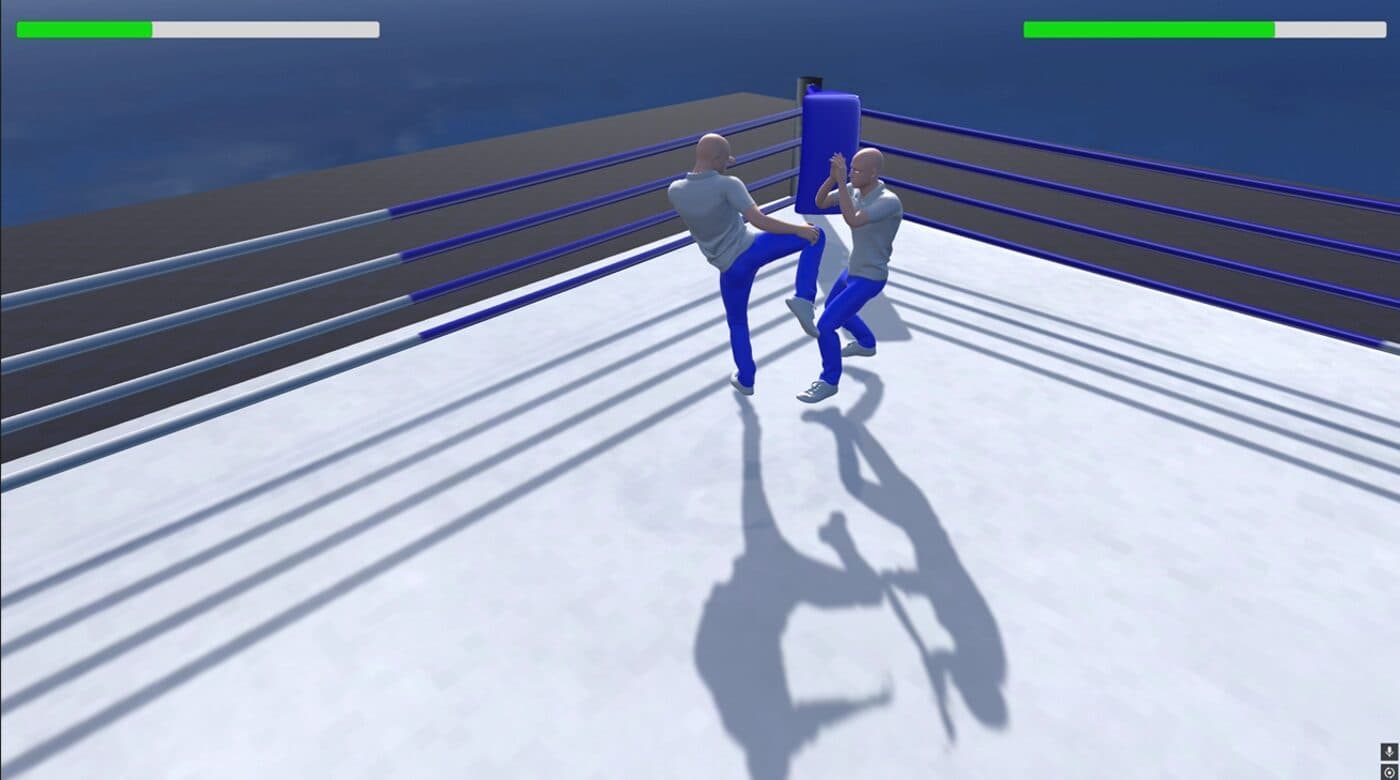
With the fighting itself back to being animation-driven, I mapped each keyboard and mouse input, left click, right click, Q, E, F, to a trigger on the animator and assigned a Mixamo animation to each one: jabs, kicks, blocks, idle. Wiring up an animator state machine properly, exit times, transition conditions, which triggers cancel which animations, taught me more about how animation actually works in a game engine than anything else in this project.
Each attack only counts as a hit for a short active window (a quarter to a third of a second) after it's thrown, and a hitbox checks the name of whatever collider it touched to figure out whether it landed on the head or body, and whether the attacker used a fist or a foot, before reporting that back to deal damage.
Camera and Movement: Knowing When to Stop Building It Yourself
I built a custom orbit camera and movement controller first, paired with the Mixamo animations. It never quite synced with the animations properly and would sometimes glitch the camera straight through the floor. Rather than keep debugging it, I imported a free third-person camera asset from the Unity Asset Store and spent a few days merging it with my own fighter controller script, which meant redoing the moveset with a new set of animations to match how the imported controller expected movement to look. The original camera script is still sitting in the project, fully commented out, as a reminder of the version that didn't work.
Lock-On Combat, Hajime no Ippo Style
The fighter controller locks onto the opponent and strafes around them the way a boxing game should, rotating smoothly to always face them while you circle, rather than a free-roam third-person camera. That lock only releases into normal free movement once the opponent is dead, which was a small detail worth getting right since it's the part directly inspired by the PSP game that started this whole project.
Multiplayer: Choosing a Netcode, Then Debugging It For Days
Getting two players fighting on separate devices was the hardest part of the whole project by a wide margin. Unity had two competing multiplayer solutions at the time, an older deprecated one and Netcode for GameObjects as its replacement, and figuring out which one to actually commit to took its own round of research before any networking code got written.
Hosting runs through Unity's Relay service: the host generates a short join code, the other player types it in, and Relay handles routing the connection so neither of us had to deal with port forwarding just to test a fight between two houses. For testing without needing a second person every time, I used ParrelSync to run a cloned Unity Editor instance locally, so I could host in one window and join as a second player in the other before ever bothering a friend to test with me.
The Bug Where I Could Control My Friend's Character
The first real test with a friend went through exactly the stages you'd expect from someone's first networked game: he couldn't join the lobby at all, then he could join but couldn't see me standing across the ring, then he could join and see me, but my keyboard was moving both of our characters at once. That last one turned out to be the interesting bug: every fighter instance was reading raw keyboard input, not just the one the local player actually owned. The fix was gating all input reading behind an ownership check, so only the fighter you actually control on your machine ever listens to your keyboard. It's a one-line guard clause in hindsight, but it took real trial and error, and several failed test sessions with my friend, to find.
Server-Authoritative Damage
Once ownership was fixed, damage still needed to be trustworthy between two machines that don't fully trust each other. A hit doesn't apply damage locally: it sends a request to the server, which is the only side allowed to actually subtract health, resolve blocking, and decide if that hit was fatal, then broadcasts the resulting animation and sound to both players. Health and death state are readable by both players but writable only by the server; whether you're blocking is writable only by you. That split is what stops either player's client from just deciding they didn't get hit.
What Shipping This Taught Me
Three things I'd do again
- Pivot early when a stretch goal fights back this hard. Scoping the ragdoll down to hit reactions and death kept the funny effect I wanted without needing to solve full active-ragdoll physics.
- A free camera asset was worth more than my pride. Days of fighting my own camera script taught me less than an afternoon spent integrating one that already worked.
- Almost every multiplayer bug that looks mysterious is an ownership check away from making sense. "Why can I control their character" and "why didn't that hit register" were both, in the end, the same category of bug.
Tech Stack
| Layer | Technology |
|---|---|
| Engine | Unity, C# |
| Animation | Mixamo motion capture clips, Unity Animator state machine |
| Physics | Unity ragdoll (Rigidbody/Collider kinematic blending) |
| Multiplayer | Unity Netcode for GameObjects, Unity Relay, Unity Authentication |
| Local testing | ParrelSync (cloned Editor instances) |
| Camera & movement | EasyStart Third Person Controller (Unity Asset Store) |
| Distribution | itch.io, Windows build |
Conclusion
A Real Man's Game is live on itch.io, free to download and play. It's my first ever game, built from a PSP boxing game I liked, an active ragdoll idea that turned out to be too hard, and a multiplayer implementation that broke in three distinct ways before it worked. I'm genuinely proud of it, and it's the project that got me hooked on game development in the first place.
Li Junyu
Solo build, first game.