Why Build My Own
While building HiveMind I really wanted its bottom tab bar to have that iOS Liquid Glass feel and the general polish of native iOS UI, and I just couldn't get there in React Native and Expo. That stuck with me, so for the next project I wanted to build fully native in Swift.
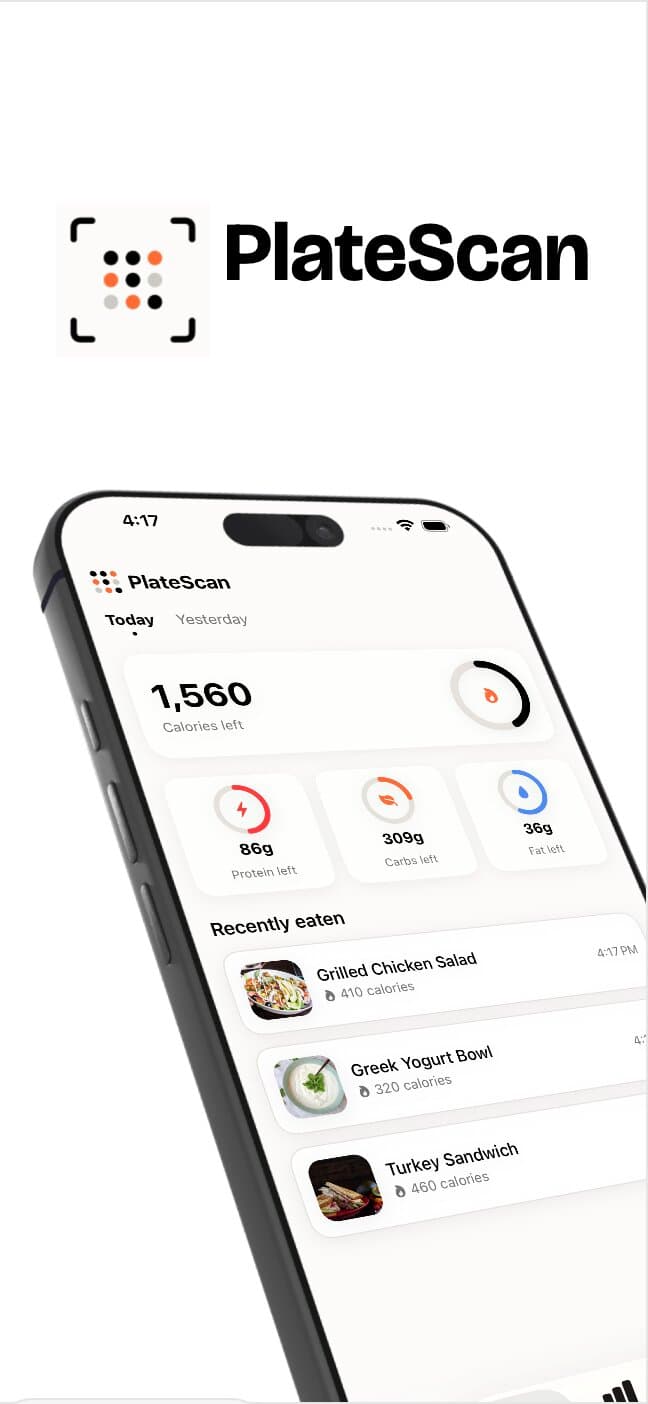
PlateScan itself was inspired by calorie counting apps like MyFitnessPal and Cal AI. I was trying to build muscle and wanted to track calories properly, but I noticed these apps charge a real premium just to scan a plate of food when the actual work is any vision-capable AI model doing the identifying. They're a vision model wrapped in a nice UI with calorie and macro tracking built around it. So I built my own version of that wrapper: scan a meal, track macros, weight, and progress over time.
The Vision Model: From DeepSeek to Claude
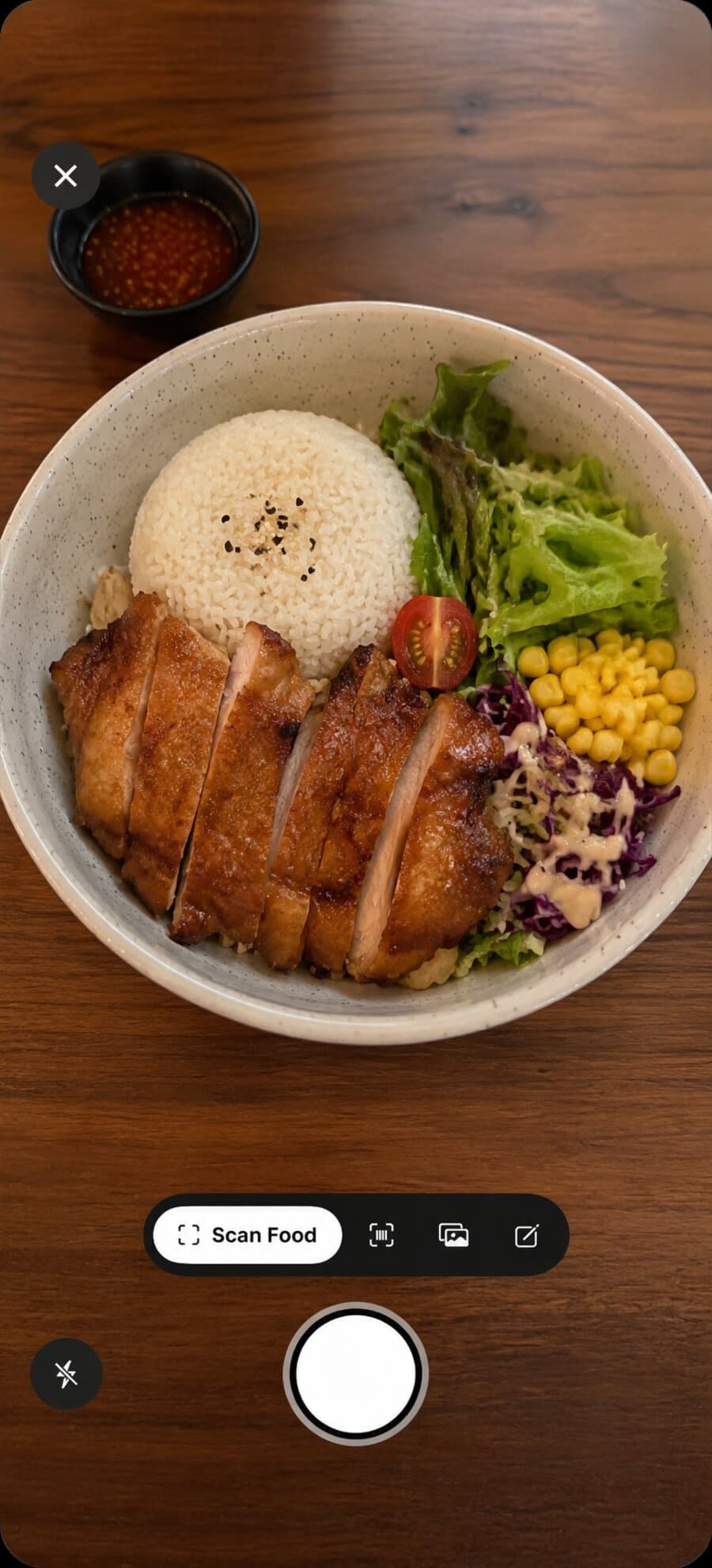
Every other project I'd built that needed an AI model used DeepSeek, mostly for its cost. PlateScan needed an actual vision model, one that could look at a photo and reason about what's on the plate, so I moved to Anthropic's API and used Claude Haiku specifically for the food-scanning call.
Getting a vision model to reliably return structured nutrition data turned out to be its own project. Early on it would sometimes fail outright, or return a response that looked complete but was missing fields, or run out of the tokens it was given mid-response. Making that reliable meant retrying failed calls, raising the token budget, and eventually rethinking how much I could actually trust the model's own schema promises.
A Server Between the App and the Model
The Anthropic API key never ships in the app. A Supabase Edge Function proxies every scan: the app uploads a photo, the function calls Claude with a fixed tool schema, and only the structured result comes back. That server also retries transient failures (rate limits, brief overload) with exponential backoff, each attempt on its own timeout, so a flaky upstream response doesn't just fail the user's scan outright.
Because this endpoint has to work for anyone who opens the camera, most sign-in methods in this app don't create a real backend account, it can't be gated behind a login the way account deletion is. Instead, cost exposure is bounded by a daily request cap per device, checked with an atomic Postgres function so two scans landing at the same moment can't both slip through uncounted.
When "Required" Isn't Required
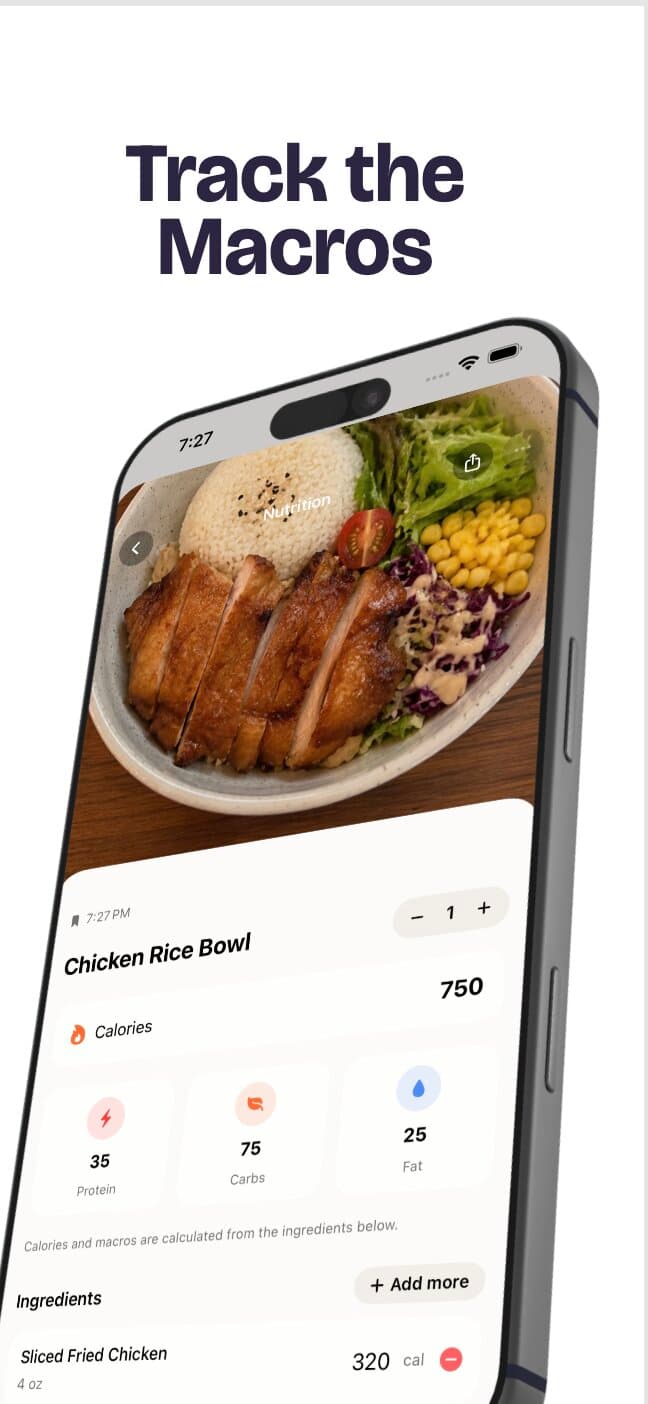
The tool schema sent to Claude marks calories, protein, fiber, sugar, sodium, and the rest as required fields, and I initially trusted that completely: the Swift model decoded them as plain non-optional properties, so a missing field would throw loudly rather than silently show zero. That assumption turned out to be wrong. A model's declared schema is a hint to steer its output, not a validated contract, and real scans came back missing fiber, sugar, or sodium while still returning a 200 OK, which hard-failed every one of those scans with a generic error.
The real fix had two parts. Server-side, switching the tool call to strict mode makes the schema an actual guarantee instead of a suggestion, so the model's output is now constrained to match it. Client-side, the three micronutrients decode with a default of zero if they're ever absent instead of throwing, while calories, the three macros, and the ingredient list stay hard-required, since a response missing any of those really is broken and should fail loudly. Trusting a model's own claims about its output, without a fallback for when it's wrong, was the mistake.
Downscale Before You Upload
A photo straight from the camera is 12 megapixels or more, and none of that extra detail helps a vision model identify a plate of food, it just adds upload time the user spends staring at a loading spinner. Every photo gets resized to 1280 pixels on the long edge and compressed before it's sent, which cuts payload size substantially with no real accuracy cost, and does nothing if the photo was already smaller (like one picked from the photo library instead of the in-app camera).
Barcode Scanning: Free, But Only Per 100 Grams
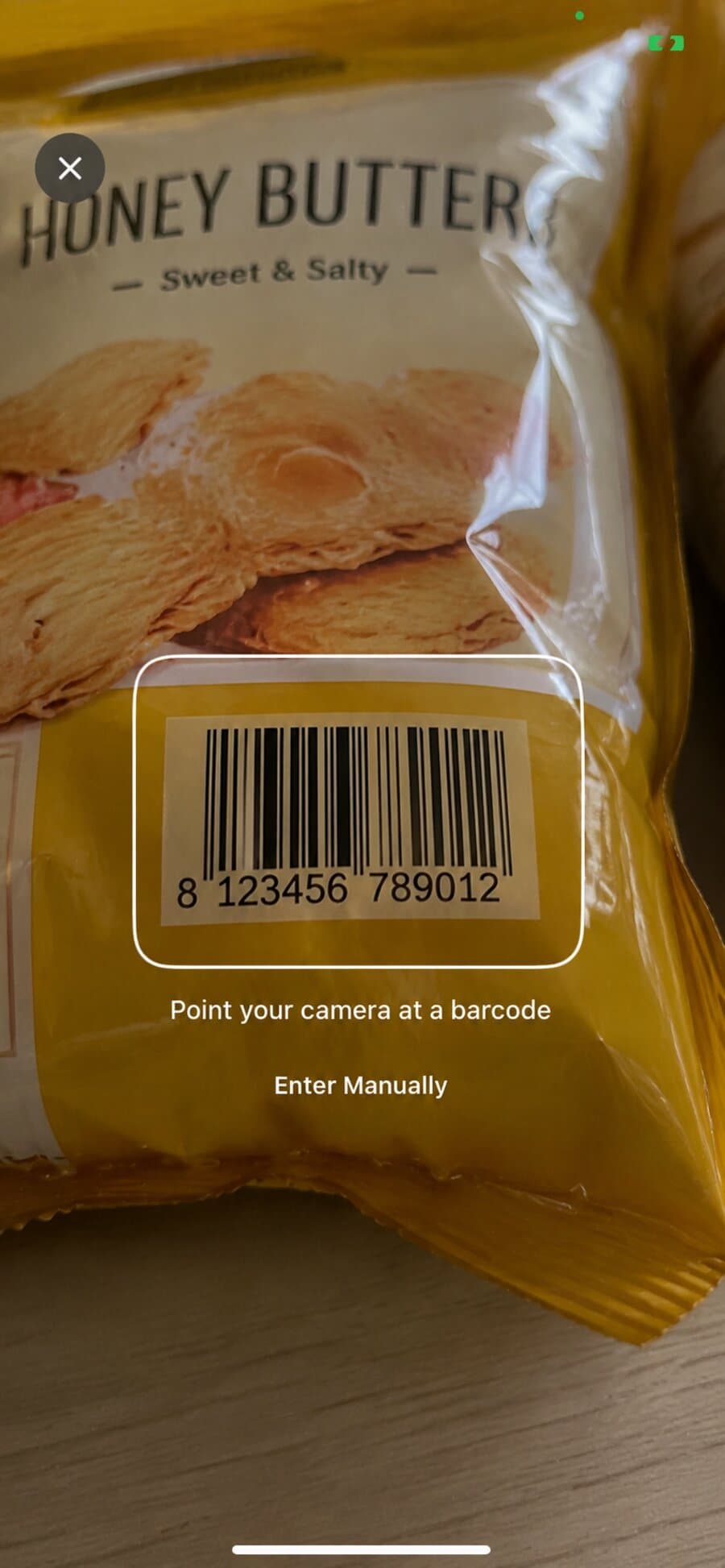
Barcode scanning runs against Open Food Facts, a free public product database with no API key required, which made it a nice complement to the AI scanning: instant and exact for packaged food instead of a photo estimate. The catch is that Open Food Facts reports nutrition per 100 grams, not per serving, so a scanned barcode alone can't tell you what a real portion actually contains. The confirm screen lets the user adjust the amount before it gets logged, which is the one extra step barcode scanning needs that photo scanning doesn't.
The Native iOS Feel
This is the part I spent the most time on, and the whole reason I moved off Expo in the first place. The weight and goal-setting screens use a custom ruler control I built with SwiftUI's Canvas: it draws its own tick marks, coasts with decelerating momentum after a fast drag the way a native wheel picker does, and always settles exactly on a tenth instead of resting at some arbitrary in-between value. Getting that floating-point snap right (rounding to the nearest tenth as a whole-number tick count, not a raw decimal comparison) was what finally stopped the rolling digit display from looking permanently blurred mid-drag. Alongside that: a Liquid Glass tab bar, toggle switches, and picker wheels that all use SwiftUI's native components directly instead of reimplementing them, which is exactly the fidelity I couldn't get to in React Native.
Turning a Goal Into a Diet Plan
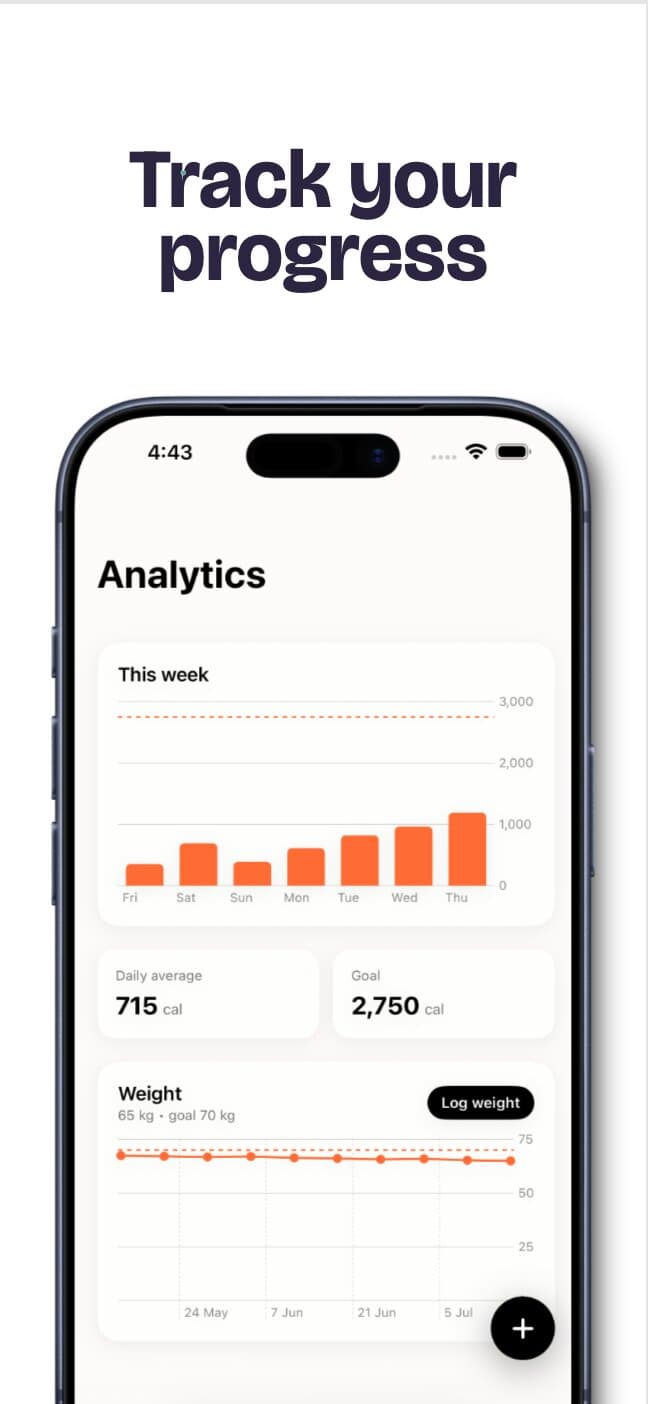
Onboarding turns a goal weight and timeframe into an actual daily target: maintenance calories come from bodyweight, an activity multiplier, and a fixed calories-per-kilogram constant for how fast the goal weight should be reached, then protein is set per kilogram of bodyweight and scaled by whether the goal is to bulk, cut, or maintain, fat is fixed at a quarter of total calories, and carbs take whatever's left. It's the same math both the onboarding flow and the later "Edit Goal" screen use, so changing your goal after the fact recalculates consistently instead of drifting from what onboarding originally set.
What Apple Required
The same in-app account deletion requirement I ran into with HiveMind applies here too: a Supabase Edge Function resolves the caller's own identity from their auth token, never a client-supplied id, and only then deletes the account, since trusting a client-provided id would let any signed-in user delete anyone's. It only actually applies to email/password accounts, since Apple and Google sign-in in this app are local-only and never create a real account on the backend to delete in the first place.
Apple Health integration is read-only: it pulls active energy burned for the day and adds it back to the calorie budget, the same "eat more if you moved more" behavior MyFitnessPal and Cal AI both have. HealthKit deliberately won't tell an app whether a read request was denied, only whether it's ever been asked, so the app can only distinguish "never asked" from "asked, outcome unknown", never a clean grant or deny.
What I'd Tell Myself Building This
What held up building this one
- Native was worth the platform lock-in. The ruler slider and the Liquid Glass tab bar are the reason this exists as a Swift app instead of an Expo one.
- A model's declared output schema is a hint, not a guarantee, until you make it one. Strict mode on the server and a lenient decoder on the client both exist because trusting the schema alone once caused real, silent scan failures.
- A thin server proxy is cheap insurance twice over: it keeps the API key off the client, and it's the one place that can rate-limit cost before a single bad actor (or a single bug) turns into a large model bill.
Tech Stack
| Layer | Technology |
|---|---|
| App | Swift, SwiftUI |
| Vision model | Claude Haiku (Anthropic API) |
| Backend | Supabase Edge Functions (Deno), Postgres |
| Auth | Supabase Auth (email/password), Sign in with Apple |
| Barcode data | Open Food Facts API |
| Health data | Apple HealthKit (read-only) |
| Payments | RevenueCat |
Conclusion
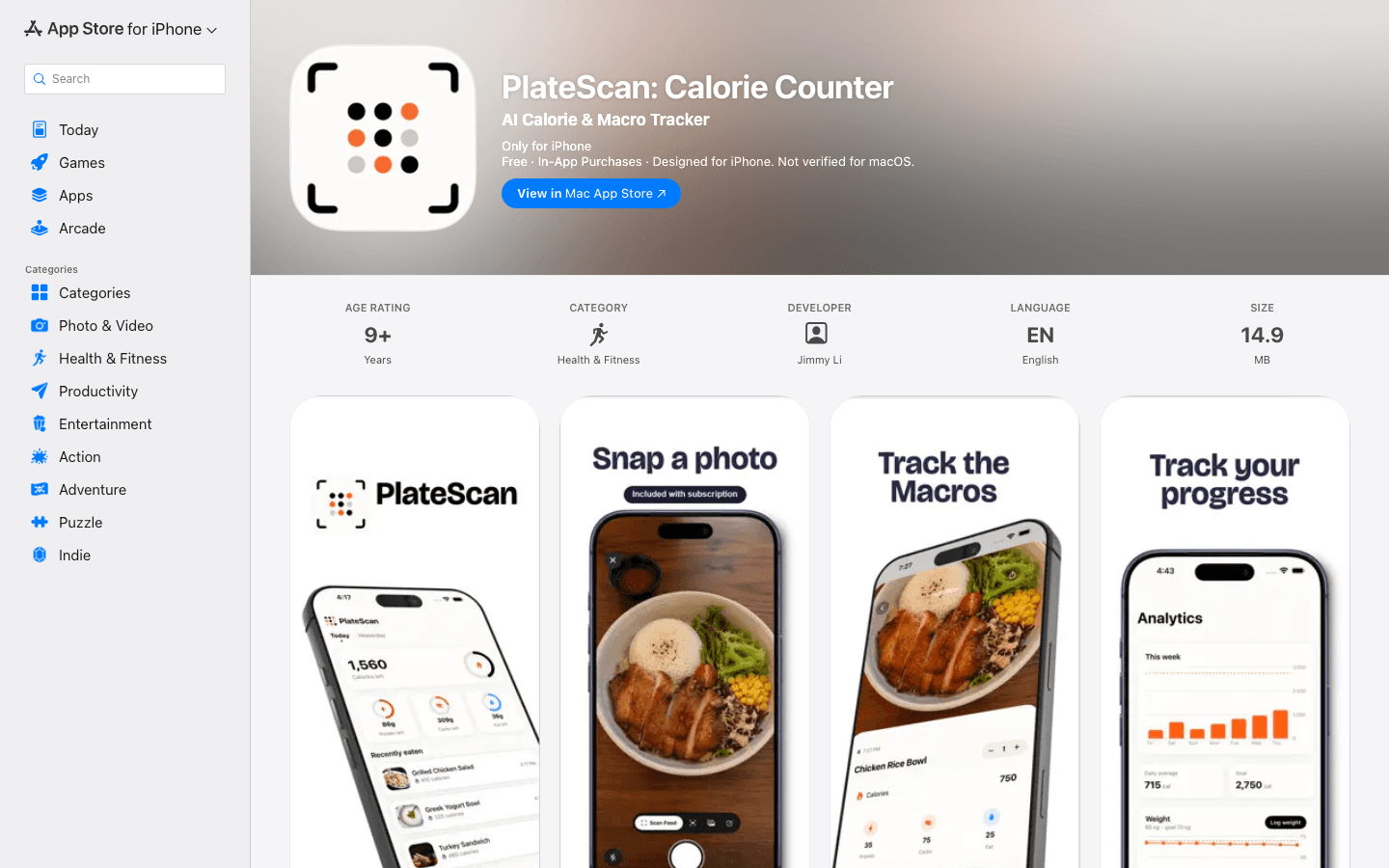
PlateScan is live on the App Store. It started as a way to avoid paying a subscription just to scan food with a vision model I could call myself, and turned into a real app: a proxied vision pipeline that's actually reliable, a goal system that turns a target weight into real macro numbers, and enough native SwiftUI polish that it finally has the feel I couldn't get out of Expo. Overall this one was genuinely fun to build.
Li Junyu
Solo build.